
A lightweight 28 MB app that installs in under 2 minutes. From older Android devices to the latest iPhone — the same speed and smooth experience across all of them. Optimized for Bangladesh's network conditions.
Android, iOS, or straight from your browser — three ways to use 1xjet
Install the APK directly — no Play Store needed
Enable Unknown Sources before installing
Optimized for iPhone & iPad
Install via the App Store
Play instantly in your browser — no download needed
Start instantly once you register
Installing an APK might seem unfamiliar at first, but the process is actually very straightforward. Once you've done it once, you'll see how easy it is.
Go to your phone's Settings → Security (or Privacy) and look for "Install unknown apps" or "Unknown Sources" — enable it. This is required to install APKs from outside the Google Play Store.
Tap the "Download Android APK" button on this page. The file will be saved to your phone's Downloads folder — usually within 30 seconds.
Go to your Downloads folder via the Notification bar or File Manager and tap the "1xjet.apk" file. Then tap "Install".
Once installation is complete, tap "Open". Log in if you already have an account, or register a new one and claim your welcome bonus.
Keep in mind: Only download the APK from 1xjet's official download page. APKs from third-party sites may not be safe.
1xjet Android App — Smooth Installation
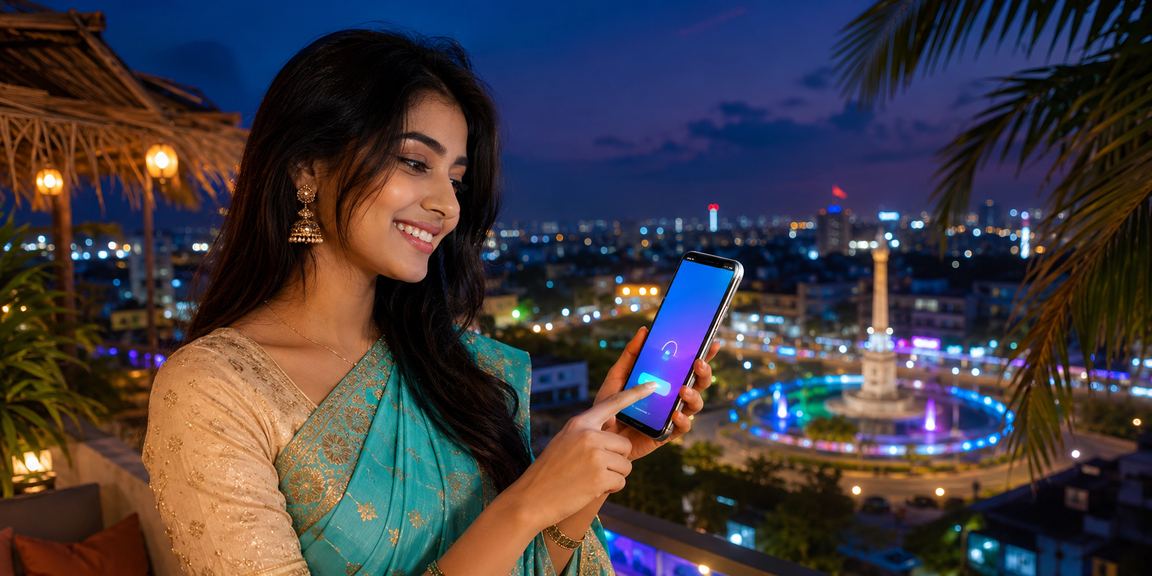
More than a website — exclusive benefits that set the app apart
Log in to your account in one second using your fingerprint or Face ID — no more typing passwords.
Goals, wickets, major odds shifts, or your bet results — you'll be notified instantly for all of it.
Deposit in one tap to your saved bKash or Nagad number — no need to type it in every time.
Watch Live Casino and sports streams in HD on mobile — whether you're on 4G or WiFi.
View live scorecards and match stats side by side with your bet slip on the same screen.
Exclusive offers and free spins for app users — not available on the web version.
Even during long gaming sessions, your battery won't drain quickly — the app is power-optimized.
Even without an internet connection, you can view the latest cached scores and betting history.
When a new version is available, the app updates itself — no need to manually download it again.
Most people in Bangladesh access the internet on their smartphones. Not everyone has a desktop or laptop, but nearly everyone has an Android phone in their pocket. 1xjet understands this reality and puts the mobile app first.
Many people hesitate when it comes to APK installs — "Is it safe to install an app from an unknown source?" It's a completely fair and reasonable question. 1xjetThe APK is delivered directly from the official server, every build is digitally signed, and it's scanned by VirusTotal and multiple other security scanners. Because Google doesn't list all betting apps on the Play Store in every country, the APK method is the accepted international standard.
A word on app size: at just 28 MB, the download completes in 3–4 minutes even on a slow connection. Many users have reported no issues downloading over a rural 3G network. And once installed, it barely takes up any storage — which matters a lot for those running low on phone memory.
Once you've tried the push notification feature, you won't want to go without it. Say you've placed a bet on an IPL match but can't watch it live at that moment — when a wicket falls or the odds shift significantly, 1xjet The app will notify you instantly. Wherever you are, you can check that notification and make your decision on the spot.
Biometric login is the feature regular users praise the most. No need to remember a password — just place your finger or hold the phone to your face and you're in within a second. When you need to place a bet quickly before a match kicks off, this feature genuinely saves time.
For iOS Users 1xjet's app is available on the App Store. With Face ID and Touch ID support, games look stunning on a Retina display. It works brilliantly on iPad too — Live Casino on a larger screen is a whole different experience.
For those without a smartphone or who prefer not to download anything, the browser version works just as well. Open 1xjet directly in Chrome or Firefox — you'll find the full game lobby, Sports Betting, and Live Casino. However, push notifications, biometric login, and one-tap payments are exclusive to the app.
1xjet The app updates every month — new games are added, bugs get fixed, and performance improves. When an update is available, the app notifies you automatically, so you never have to check manually. This continuous improvement is what keeps the app's rating steady at 4.8.
From Cumilla to Rangpur, Bogura to Dhaka — users across Bangladesh 1xjet Join the users who've downloaded the app and never looked back. Don't wait — download now and get a 100% bonus on your first deposit.

Find the option that works best for you
| Feature | Android APK | iOS App | Web Browser |
|---|---|---|---|
| Download / Install | 28 MB APK | 35 MB App Store | Not Required |
| Push Notifications | |||
| Biometric Login | |||
| One-Tap Payment | |||
| HD Live Streaming | |||
| In-Play Betting | |||
| Mobile-Exclusive Bonus | |||
| Offline Score Viewing | |||
| Automatic Updates |
For regular players, the mobile app is the best choice — you'll get push notifications and exclusive bonuses. If you just want to try things out, start with the browser; if you like it, download the app.
After installing the 1xjet app, I wondered why I ever struggled before. I log in with my fingerprint, deposit via bKash in one tap — and place my bets before the match even kicks off.
— Kamal Hossain, Rajshahi · Android App UserTested on everything from 3G to WiFi — compatible with all major network operators in Bangladesh.
Smooth performance guaranteed on GP 4G/3G.
Tested and optimized on the Robi network.
The same level of performance on Banglalink 4G.
Maximum speed on home or office WiFi.
Supports Android 6.0 and as little as 1GB RAM. Tested on all popular brands in Bangladesh — Xiaomi, Samsung, Symphony, and Walton.

Simple step-by-step guide for iOS users
Tap the "Download iOS App" button — it will take you directly to the App Store listing.
On the App Store page, tap "Get" or the cloud icon next to the 1xjet app. Confirm with your Apple ID.
On first launch, set up Face ID or Touch ID. Save your bKash or Nagad number for one-tap payments.
If the app asks for notification permission, tap "Allow" — this way you'll get live score updates and bonus alerts instantly.
Common Questions About Account Security
Register, download the app, and get a 100% bonus on your first deposit — limited-time offer.